

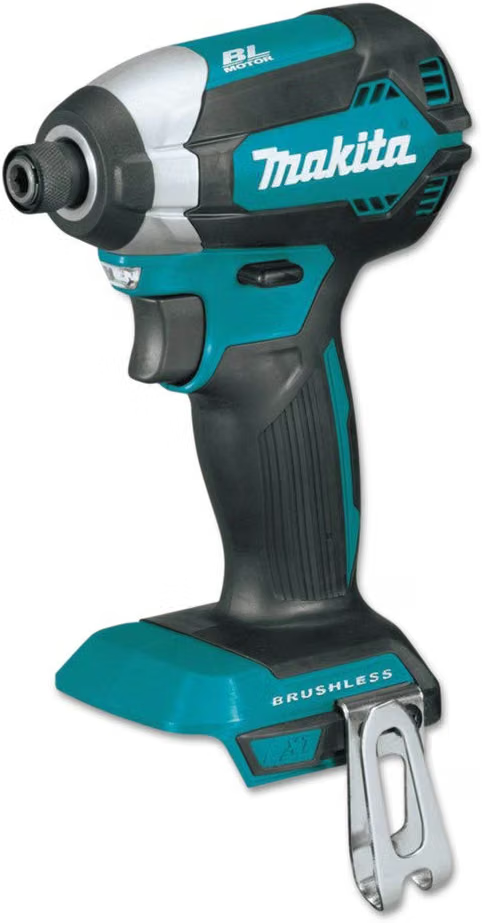
Current Price: $137 On Amazon
Built for precision: 3-speed dial + T-mode prevent stripped screws on cabinetry, trim, and small fasteners. Same 18V LXT platform, smarter control.
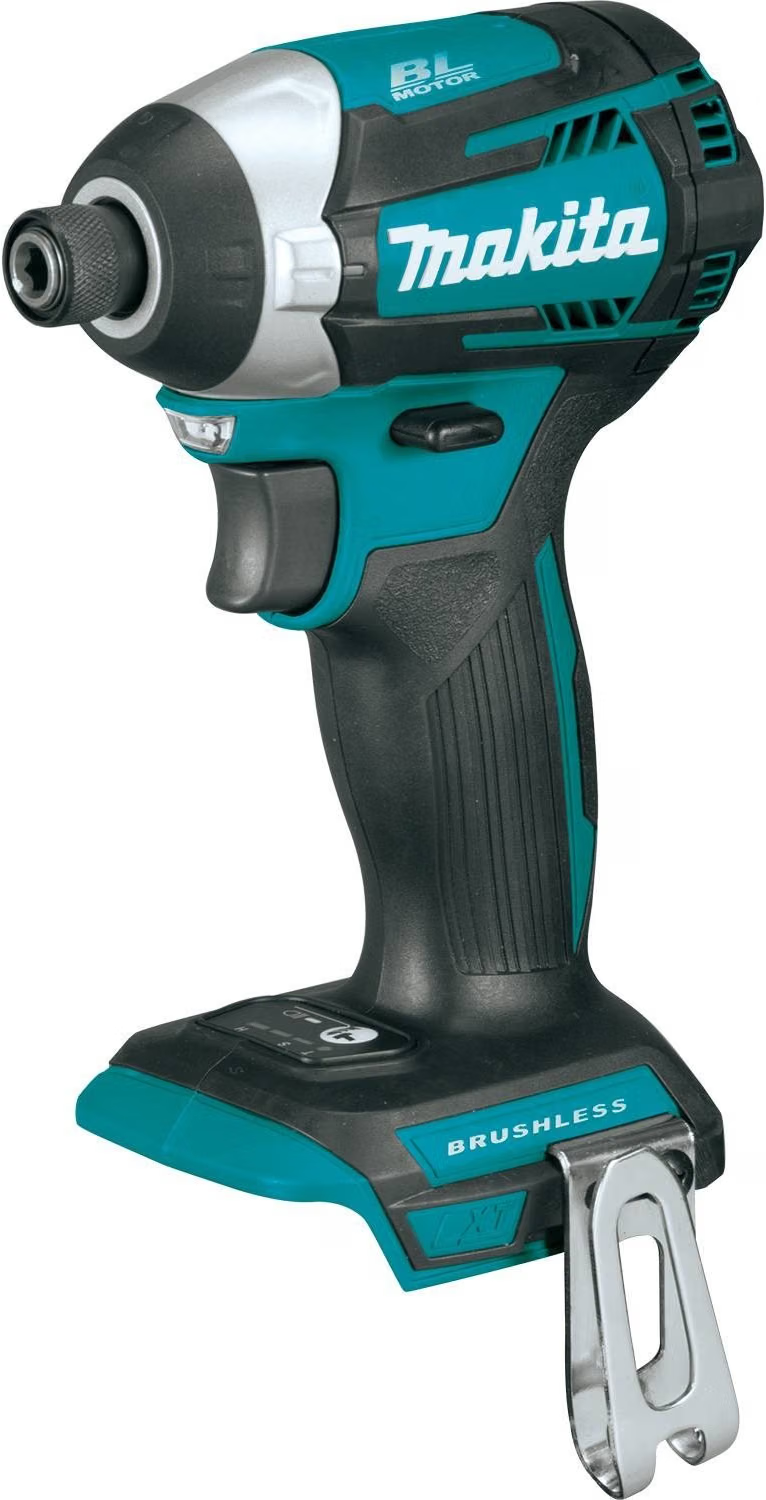

Current Price: $91 On Amazon
Best-value pick for framing, decking, and structural fasteners. 1,500 in-lbs of torque in a compact, brushless build. Runs on Makita's 18V LXT battery system.
Introduction
I was standing on top of a shaky twelve-foot ladder, trying to drive a massive six-inch structural screw into a tough pressure-treated beam, when my old drill suddenly smoked, stalled, and left me stranded mid-project.
That frustrating afternoon made me realize I needed to stop messing around with weak tools and upgrade to a brushless impact driver that could actually handle heavy-duty job site abuse without breaking my wrist.
That is exactly how I ended up staring at the Makita XDT13Z vs XDT14Z on my computer screen.
Both of these teal impact drivers look practically identical, both pack premium brushless motors, and both promise to sink fasteners into tough wood faster than you can blink.
But if you are trying to choose between them right now, you know how incredibly annoying it is to figure out if you are paying extra just for a few fancy buttons on the base, or if there is a real mechanical upgrade that shows up when you are actually squeezing the trigger.
In this article, I am putting both of my Makita drivers through a brutal side-by-side job site test to show you exactly how they perform under pressure so you can buy the perfect construction partner without wasting your hard-earned cash.
Table of Contents
Quick TL;DR:
The XDT13Z ($91) and XDT14Z ($137) have nearly identical power — the real difference is control. The XDT14Z’s 3-speed dial and T-mode stop you from stripping small screws; the XDT13Z is perfectly fine for framing and decking. Buy XDT13Z for structural work, XDT14Z for finish work and cabinetry.
At-a-glance: Makita XDT13Z vs XDT14Z
| Features | Makita XDT13Z | Makita XDT14Z |
|---|---|---|
| Speed control | Single speed, trigger-only | 3-speed dial + Quick-Shift + T-mode |
| Max torque | 1,500 in-lbs | 1,550 in-lbs |
| No-load speed | 0–3,400 RPM | 0–3,600 RPM (top speed) |
| Length | 5" | 4-5/8" |
| Weight (with battery) | 3.3 lbs | 3.3 lbs |
| Anti-stripping control | None | T-mode |
| Battery/charger compatibility | 18V LXT | 18V LXT |
| Warranty/build | Star Protection Computer Controls | Star Protection Computer Controls |
| Where To Buy | Check On Amazon | Check On Amazon |
The Problem Nobody Puts in the Spec Table: Strength vs. Precision
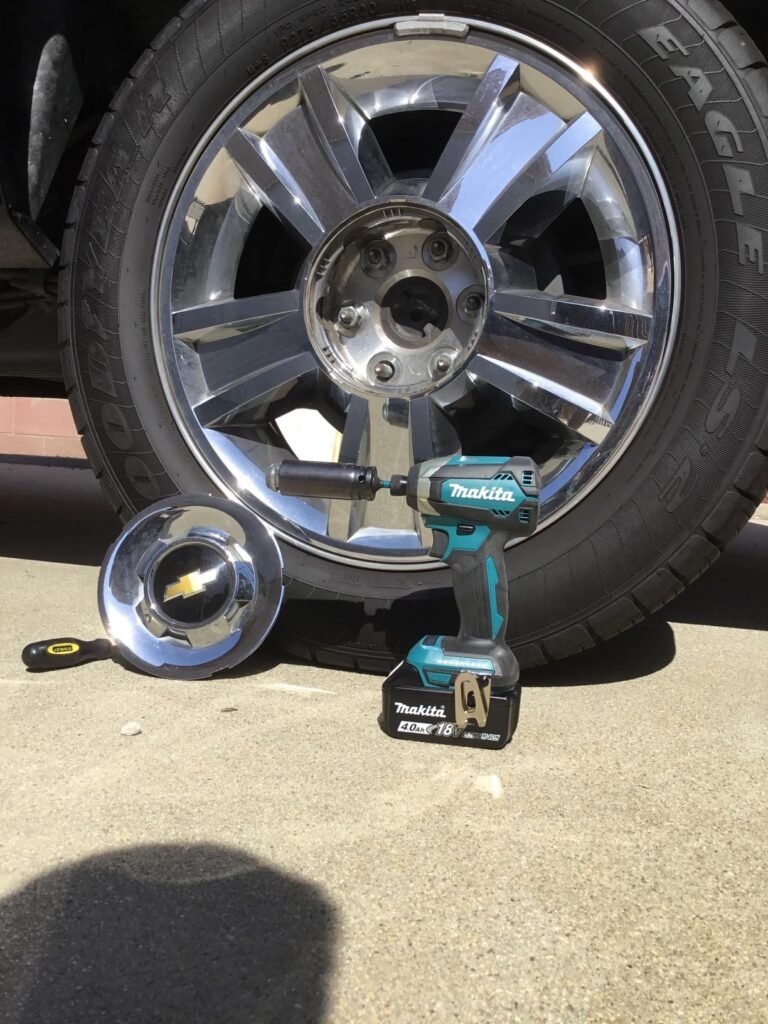
To see if the online complaints were true, I put both tools through a side-by-side job site test.
I started by building a set of custom workshop cabinets out of delicate pre-finished plywood, using standard 8-gauge and 10-gauge star screws.
On paper, both of these brushless, compact 18V drivers look like they should handle this easily.
But the second I started working with the Makita XDT13Z, I hit a major roadblock.
Because the XDT13Z has exactly one speed range, your only control is how carefully you can squeeze the trigger.
When I tried to back off the power right at the end to seat the screw flush with the wood, the trigger felt way too blunt and jumpy.
It went from zero to full send in a fraction of an inch.
Before I could blink, the driver plowed right through the delicate plywood, sinking the screw way past flush and completely ruining the finish.
On the next three tries, the aggressive, uncontrollable torque snapped the heads right off the star screws.
When you are going full speed to build a giant outdoor deck, the XDT13Z is an absolute powerhouse value pick.
But the moment you need to do fine, detailed carpentry, that lack of lower speed limits makes precision work a massive headache.
The Makita XDT14Z solves this exact frustration.
It features an electronic 3-speed power selector right at the base.
By clicking it down into low speed, I was able to drive those same delicate screws with complete control and finesse, without ever worrying about stripping the wood or breaking the metal fastener.
The choice here isn’t about raw power—it’s about whether your finger can handle a tool that only knows how to run at full throttle.
Why Torque and RPM Are the Wrong Battleground?
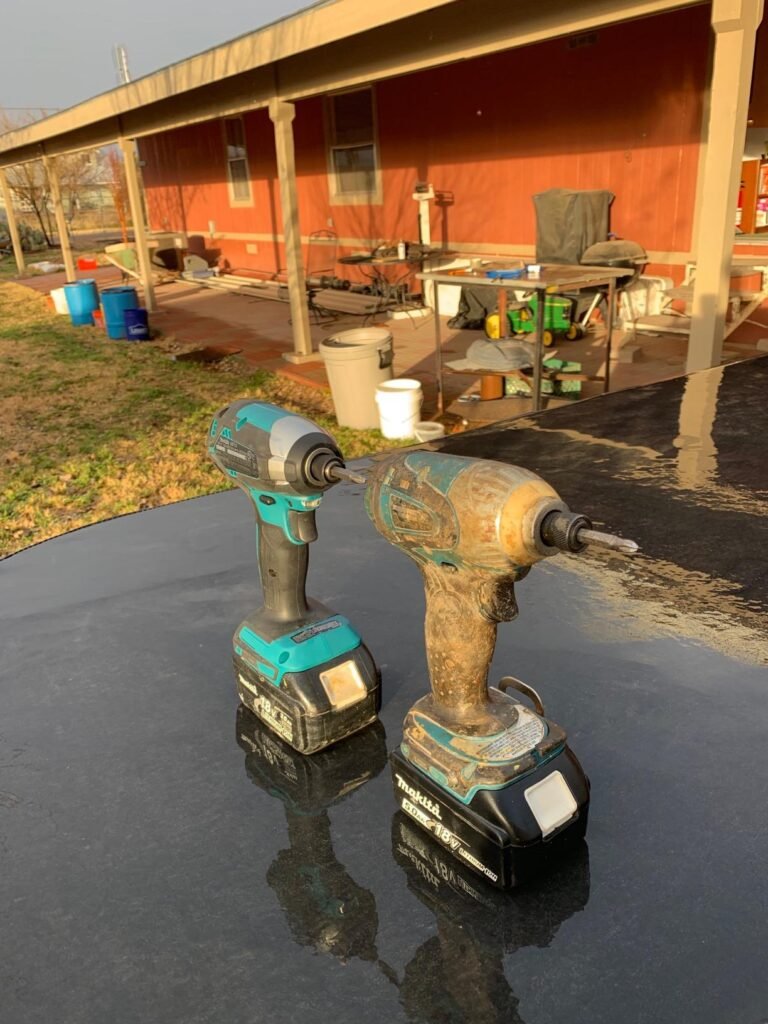
To prove why the numbers on the box are completely useless in the real world, I took both drivers out to my backyard and set up a speed battle.
I grabbed a thick piece of pressure-treated lumber and timed how long it took each tool to sink a giant 3-inch deck screw.
The result? They felt exactly the same. The Makita XDT13Z claims 1,500 in-lbs of torque, while the Makita XDT14Z claims 1,550 in-lbs.
Squeezing the trigger on both, your hand cannot feel that tiny difference, and your eyes won’t notice a fraction of a second saved on a single screw.
Tool companies love to plaster these massive RPM and torque numbers on their packaging because it looks great in a table, but it tells you absolutely nothing about how the tool actually behaves under load.
What actually matters on a busy job site isn’t how fast the tool starts a drive—it’s whether you can control the last quarter-second before the screw slams home.
When I was building a wooden gate, that final split second determined whether the screw sat perfectly flush or ripped right through the wood.
The spec sheet will never tell you that the XDT13Z makes that final second a guessing game, while the XDT14Z gives you perfect control.
Stop comparing the numbers on the website; both of these tools have more than enough raw muscle to drive anything you throw at them.
The real battle is about control, and that is a detail you can only discover by getting your hands dirty and driving thousands of screws yourself.
What Makita Actually Changed on the XDT14Z: The Electronic Brain?
Now the “3-speed settings and Quick-Shift Mode” actually surprised me.
To see if these features were just a marketing gimmick, I took the Makita XDT14Z out to install some delicate brass hinges and small trim screws on a custom cabinet door.
On a normal driver like the Makita XDT13Z, doing this is terrifying because one slip of your finger will instantly strip the soft brass screw or crack the wood.
But on the XDT14Z, I pushed the button at the base to set the speed to low.
This physically caps the motor’s power band into three distinct zones (0–1,100 RPM, 0–2,100 RPM, and 0–3,600 RPM). With the tool locked into the lowest zone, I could mash the trigger completely flat, and the driver safely spun at a slow, gentle pace.
The tool physically refused to overshoot into full power, taking the pressure off my finger entirely.
Then, I tested the ultimate feature: Tightening Mode (T-Mode), which uses a built-in computer brain to control the drive.
I used it to fasten self-drilling metal screws into thin sheet metal.
As I pulled the trigger, the tool blasted forward at maximum speed to drill through the metal.
But the exact microsecond the screw broke through and began to tighten down, the tool’s electronics automatically sensed the resistance, slammed on the brakes, and slowed the rotation down to a crawl.
It felt like magic. Instead of stripping out the metal threads or snapping the fastener head off—which happens constantly with the single-speed XDT13Z—the XDT14Z perfectly kissed the screw flush against the metal.
Makita didn’t just add fancy buttons to look cool; they built a direct engineering fix that saves your materials, saves your fasteners, and stops you from ruining expensive projects.
The Buying Trap Almost Nobody Warns You About: The Alphabet Soup
Before you click “buy” and enter your credit card info, we need to talk about a massive trap I almost fell into myself.
While shopping online, I noticed the price tags fluctuating wildly, all because tool companies love to use confusing letters at the end of their model names.
Let’s clear this up right now so you don’t accidentally overpay.
This entire comparison is based on the “Z” suffix models—the Makita XDT13Z and the Makita XDT14Z.
In the tool world, that little letter “Z” means “tool-only.”
When the box arrived at my workshop, it contained the bare metal-and-plastic driver and absolutely nothing else.
No black charging station, no hard plastic storage case, and most importantly, no battery.
If you already own a garage full of Makita 18V LXT tools like I do, buying the bare “Z” version is a fantastic deal because you can just slide your existing batteries right onto the base and start working.
But if you are starting your tool collection from scratch, buying a bare tool is completely useless.
You will look at your computer screen and see other models like the XDT13R (which comes with a small battery and charger), the XDT131 (with a medium battery and a case), or the XDT13T (packaged with a massive, long-lasting 5.0Ah battery).
When I broke out my calculator to look at the real-world math, everything clicked.
If you already have batteries, the $46 price jump to get the precision of the bare XDT14Z makes perfect sense.
But if you need to buy a full kit with a charger and batteries anyway, the price percentage gap between the two models shrinks drastically.
Don’t let a cheap listing trick you into buying a bare tool if you don’t have a way to power it, and don’t pay a premium for a battery kit you already own.
Look at the very last letter of the model number before you check out!
Which One Should You Actually Buy?
- Buy the Makita XDT13Z if: You want the absolute best value for heavy construction [XDT13Z]. If you are building a backyard deck, framing walls, or driving thousands of massive screws where you just need to go full speed all day, this tool is an absolute powerhouse that saves you nearly $50.
Current Price: $91 On Amazon
Best-value pick for framing, decking, and structural fasteners. 1,500 in-lbs of torque in a compact, brushless build. Runs on Makita's 18V LXT battery system.
- Buy the Makita XDT14Z if: You regularly do precise or delicate woodwork [XDT14Z]. It is the best choice if you build cabinets, install delicate brass hardware, or work with sheet metal where one slip of a fast tool will ruin your materials.
Current Price: $137 On Amazon
Built for precision: 3-speed dial + T-mode prevent stripped screws on cabinetry, trim, and small fasteners. Same 18V LXT platform, smarter control.
Final Verdict
When you strip away the confusing tool names, your choice comes down to how much you trust your own index finger on a busy job site.
The Makita XDT13Z is a raw, old-school muscle car that relies completely on your manual control to handle the power [XDT13Z].
If you have steady hands and a highly experienced grip, it gets the job done perfectly for less cash.
However, if you are a busy contractor working long hours, or a DIYer who wants to eliminate mistakes entirely, buying the XDT14Z is a no-brainer [XDT14Z].
The XDT14Z acts like an invisible assistant, stepping in with its electronic brain to protect your expensive project materials from your own finger slips.
Unless you are fully confident that your muscle memory can smoothly feather a wide-open throttle every single time, investing the extra money into the smart safety net of the XDT14Z will save you a fortune in ruined hardware and broken screws down the road.
FAQs
Q1. What is the main difference between the Makita XDT13Z and XDT14Z?
The XDT14Z features a built-in computer brain with a 3-speed digital selector and Tightening Mode (T-Mode) for precise control [XDT14Z]. The XDT13Z is a single-speed tool that relies entirely on how hard you squeeze the trigger [XDT13Z].
Q2. Does the XDT14Z have more raw power and torque than the XDT13Z?
Mechanically, no. The XDT14Z lists 1,550 in-lbs of torque versus the XDT13Z’s 1,500 in-lbs [XDT13Z, XDT14Z], but this tiny 3% difference is completely unnoticeable when driving standard screws in real-world testing.
Q3. What does the “Z” mean at the end of the model numbers?
The letter “Z” stands for “tool-only.” It means the driver arrives as a bare tool inside the box—without a battery, a charging station, or a carrying case.
Q4. Can I use my existing Makita 18V batteries on both drivers?
Yes. Both models run on Makita’s standard 18V LXT lithium-ion battery platform, so any matching teal battery you already own will slide right onto either tool base.
Q5. Which driver is better for a DIYer building a backyard deck?
The XDT13Z is the smarter buy for heavy, repetitive construction like building decks [XDT13Z]. You don’t need delicate electronic speed limits to drive massive structural screws into framing lumber, allowing you to save the extra cash.